
Home / Documentation / Storage locations and quotas
Add drives, control where new images go, and set limits.
Settings → Storage → Space in use lists every location with images, used space and free space; the Dashboard storage card shows the same with one row per location.
In the console: /settings/storage
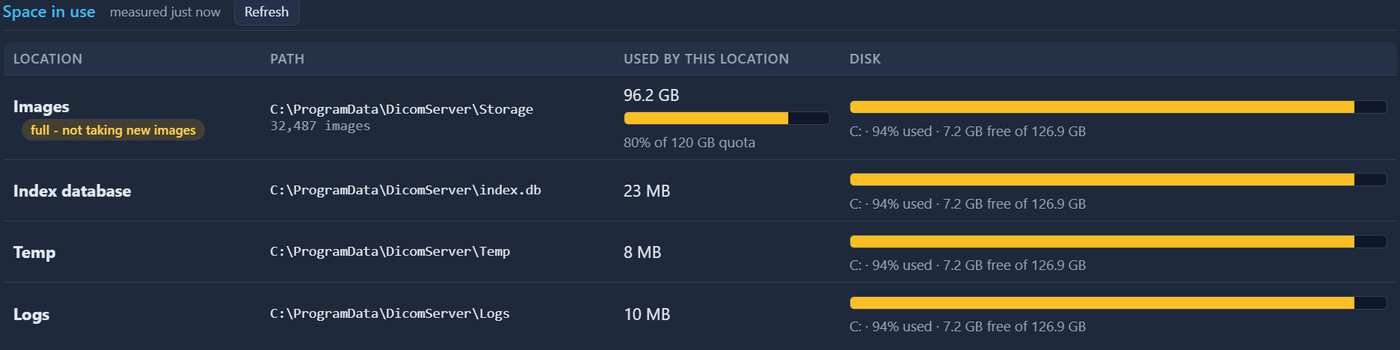
Storage settings usage table
Under Additional locations press Add location, give it a name and a folder (another drive or a UNC share), and save. Existing images stay where they are; new ones are placed by the Fill order (in order, most free space, or round robin).
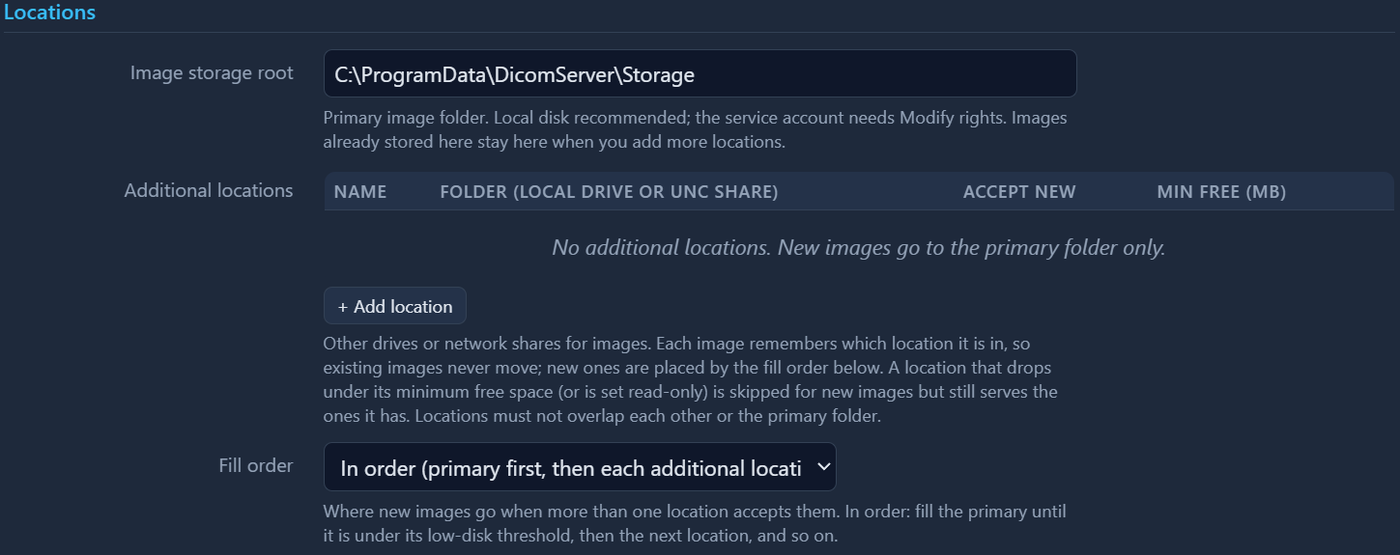
Additional locations table
Each location has a minimum free space; the primary uses the low-disk threshold. A location below its minimum, or set read-only, keeps serving its images but takes nothing new. An archive quota (GB) can warn or reject new images.
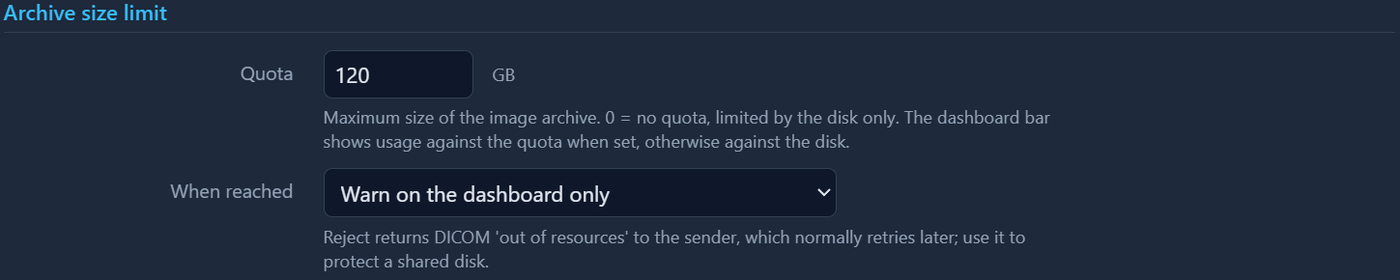
Quota and fill order fields
Settings → Maintenance checks every location for orphaned index entries and unindexed files and can repair them; 'Rebuild index' re-indexes all locations.
In the console: /settings/maintenance
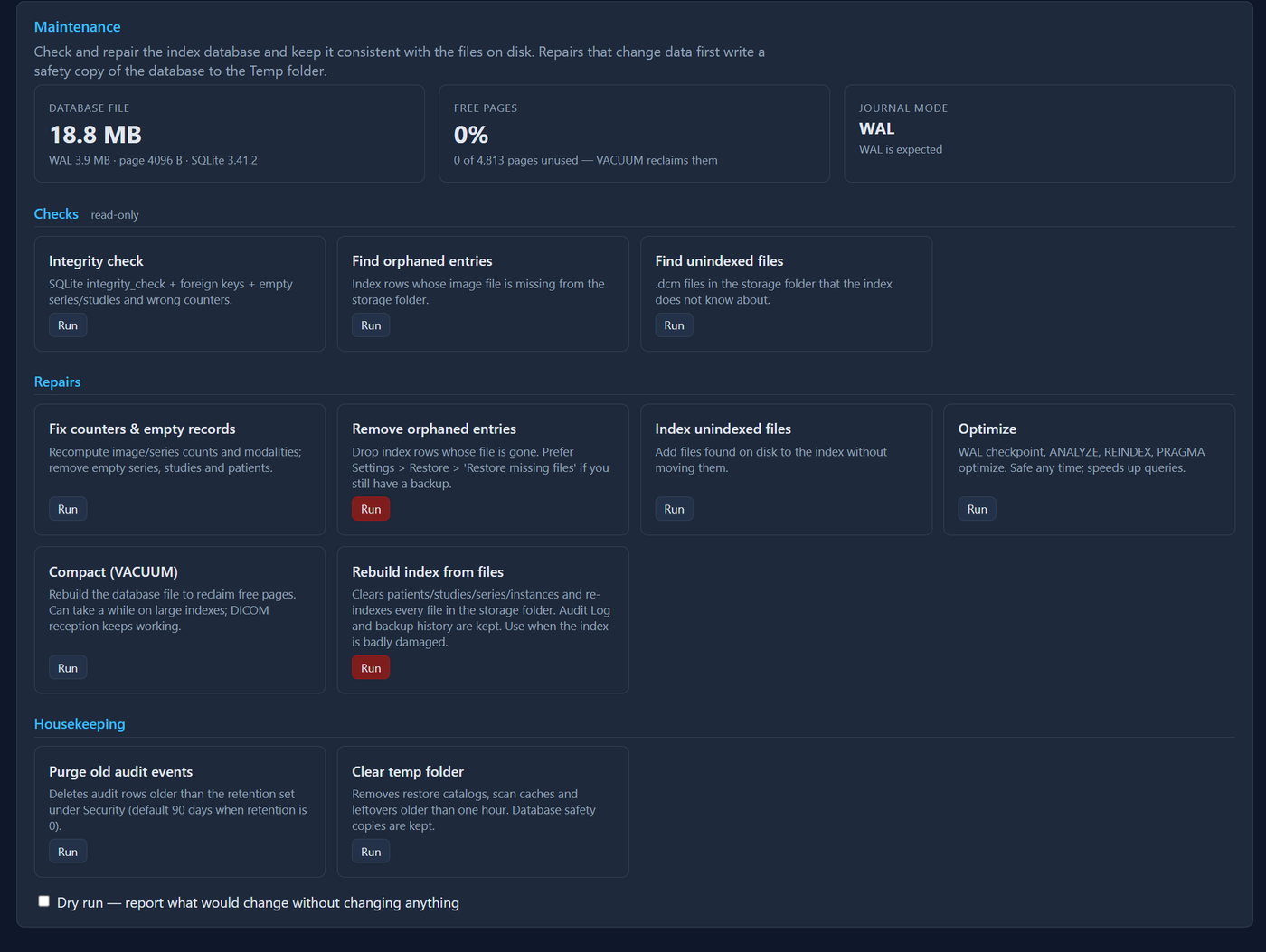
Maintenance page