
Home / Documentation / Keeping the server healthy
Maintenance checks, logs and resource tuning.
Settings → Maintenance → Check (dry run) first; it reports orphaned entries, unindexed files and counter mismatches without changing anything. Then run the matching repair; a safety copy of the database is written first.
In the console: /settings/maintenance
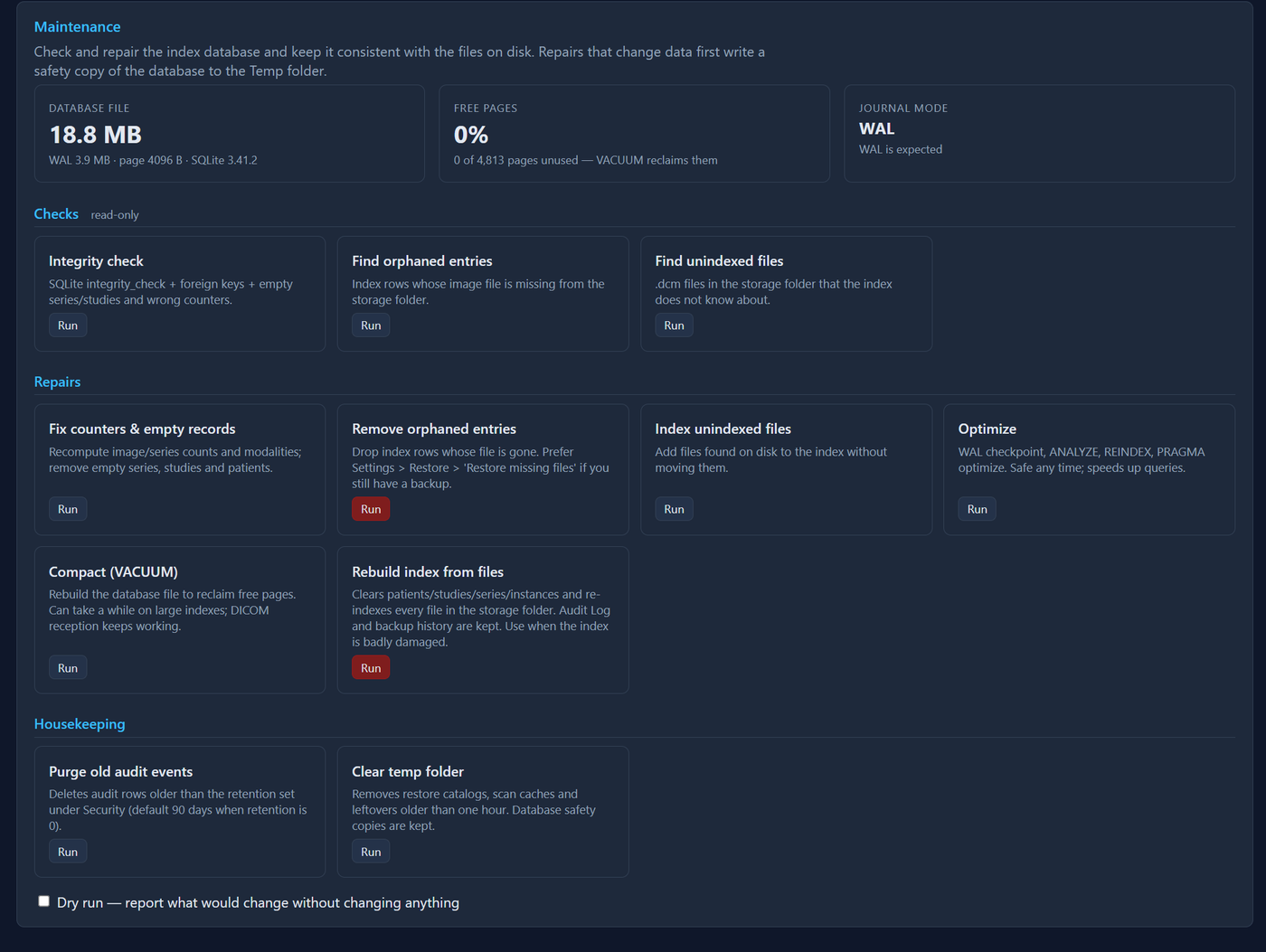
Maintenance page with check results
Settings → Memory shows the service's memory and lets you cap it; Bandwidth & sending limits transfer rates and concurrency; Storage shows disk use. The service restarts itself automatically on failure.
In the console: /settings/memory
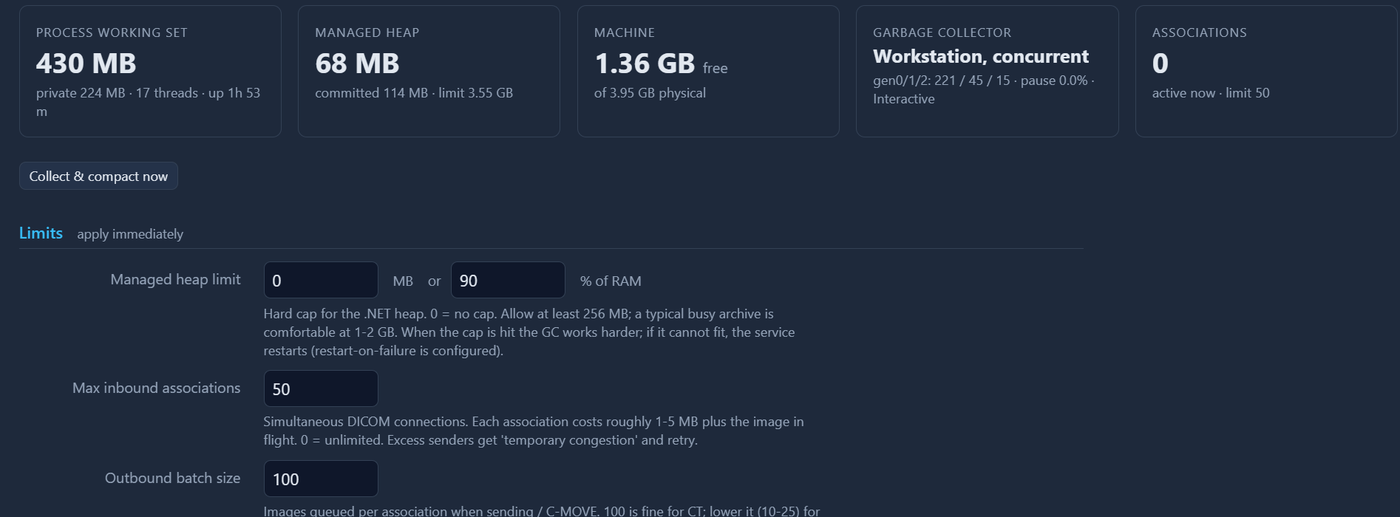
Memory settings page
Log files are in the data folder's Logs subfolder (path shown on the Help page and in Start Menu → Tekprogs → 'PACS - Log folder'); warnings and errors also go to the Windows Event Log (source DicomServer). The Start Menu 'PACS - Service status' shortcut checks ports and firewall rules.
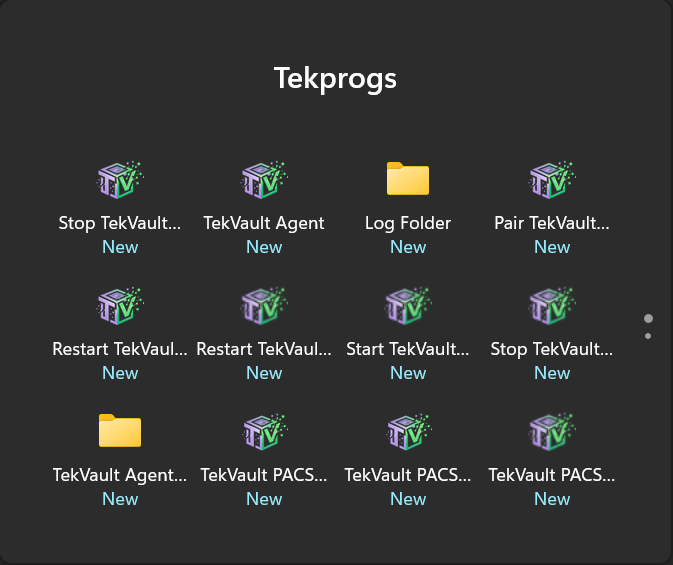
Start Menu: Tekprogs folder with the PACS and Agent shortcuts
GET /health returns JSON with version, listener state and storage; point your monitoring at it (no sign-in needed).
In the console: /health